Bypassing Restrictions on macOS for a Permanent Beyond Compare Trial

What is Beyond Compare? A renowned file comparison tool (since there is hardly any similar software, it can for now be called the best). However, the official version is somewhat expensive: domestic resellers charge 249 yuan for the Standard Edition and 459 yuan for the Professional Edition. Many users only need file comparison for relatively simple tasks, so they do not want to pay a high licensing fee. Therefore, Beyond Compare also offers a trial period, allowing you to use it for a short time.
Back when I was still using Windows 10, Beyond Compare had cracked versions or some keys that could be used for activation. Now that I use macOS, the old methods no longer work. Fortunately, Beyond Compare for Mac has another workaround that allows you to use (trial) Beyond Compare permanently. Here is a brief explanation.
Principle
Beyond Compare for Mac checks the registration information every time it starts. Once the trial period expires, it can no longer be used. The solution is to delete the registration information before launching it, and then start it. This allows you to use (trial) it free of charge indefinitely.
Download
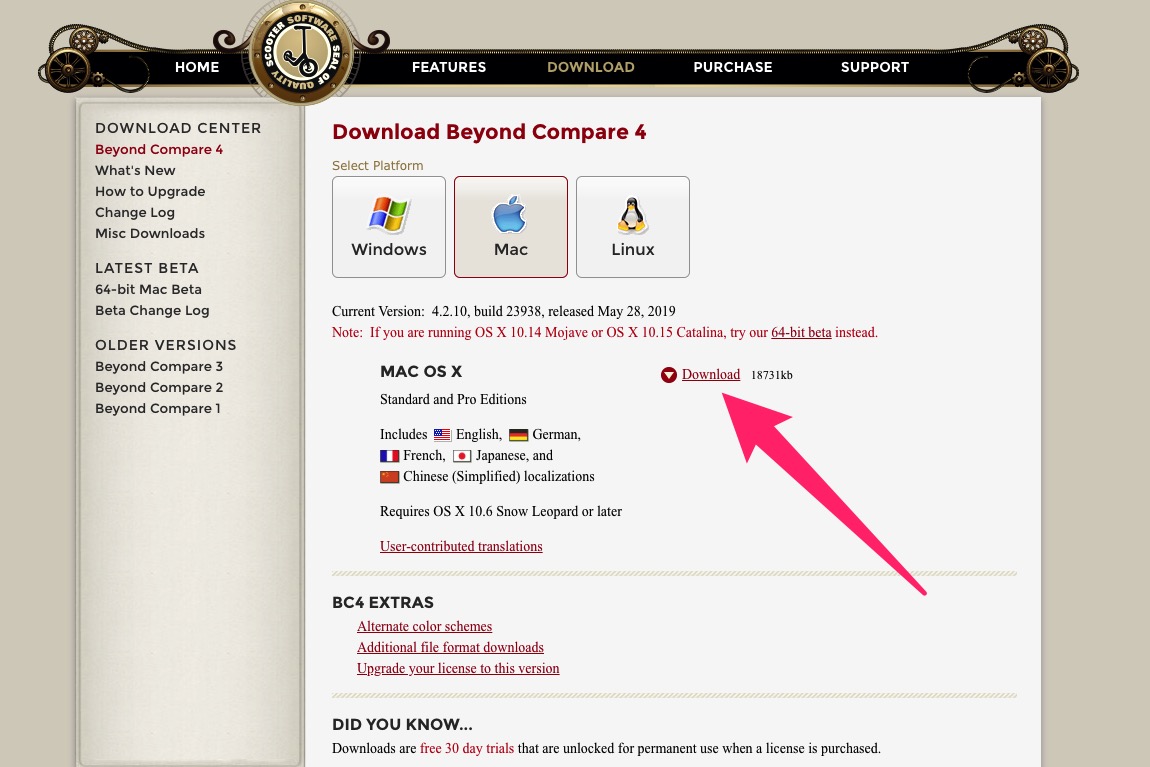
First, download the latest version of Beyond Compare. The download link on the official website is particularly slow, so you can try the download link from a domestic proxy site or use a VPN.
Installation
After the download is complete, install it directly.
Create BCompare
- Go to the Mac applications directory and find the Beyond Compare you just installed. The path is as follows:
/Applications/Beyond Compare.app/Contents/MacOS - Rename the startup program file
BComparetoBCompare.real - Create a new file named
BComparein the current directory with the following contents:Bash Bash#!/bin/bash rm "/Users/$(whoami)/Library/Application Support/Beyond Compare/registry.dat" "`dirname "$0"`"/BCompare.real $@ - Save the
BComparefile
Modify File Permissions
chmod a+x /Applications/Beyond\ Compare.app/Contents/MacOS/BCompare
After completing the steps above, open Beyond Compare again and it should work normally.
Comments
(3)BCompare确实好用
我一般是用来对比主题更新之后改动了什么
膜拜大神