This article mainly documents a detailed tutorial on flashing Lineage OS 15.1 (Android 8.1) onto the Nubia Z17 mini, for my roommate Sun Wei’s reference. The flashing process is relatively complicated because it requires a high version of TWRP (what is TWRP? TWRP is the most famous third-party REC). Let’s get straight to the point. Many images below.
Flashing a Third-Party REC
High-energy content ahead QWQ
Unlocking OEM (BL)
- Go to “Settings - About phone”.
- Tap “Build number” seven times consecutively.
- Return to “Advanced settings - Developer options”.
- Enable “OEM unlocking”.

Downloading TWRP
Find the TWRP compiled by the expert @时代的导航者 in the Nubia community and download it directly.
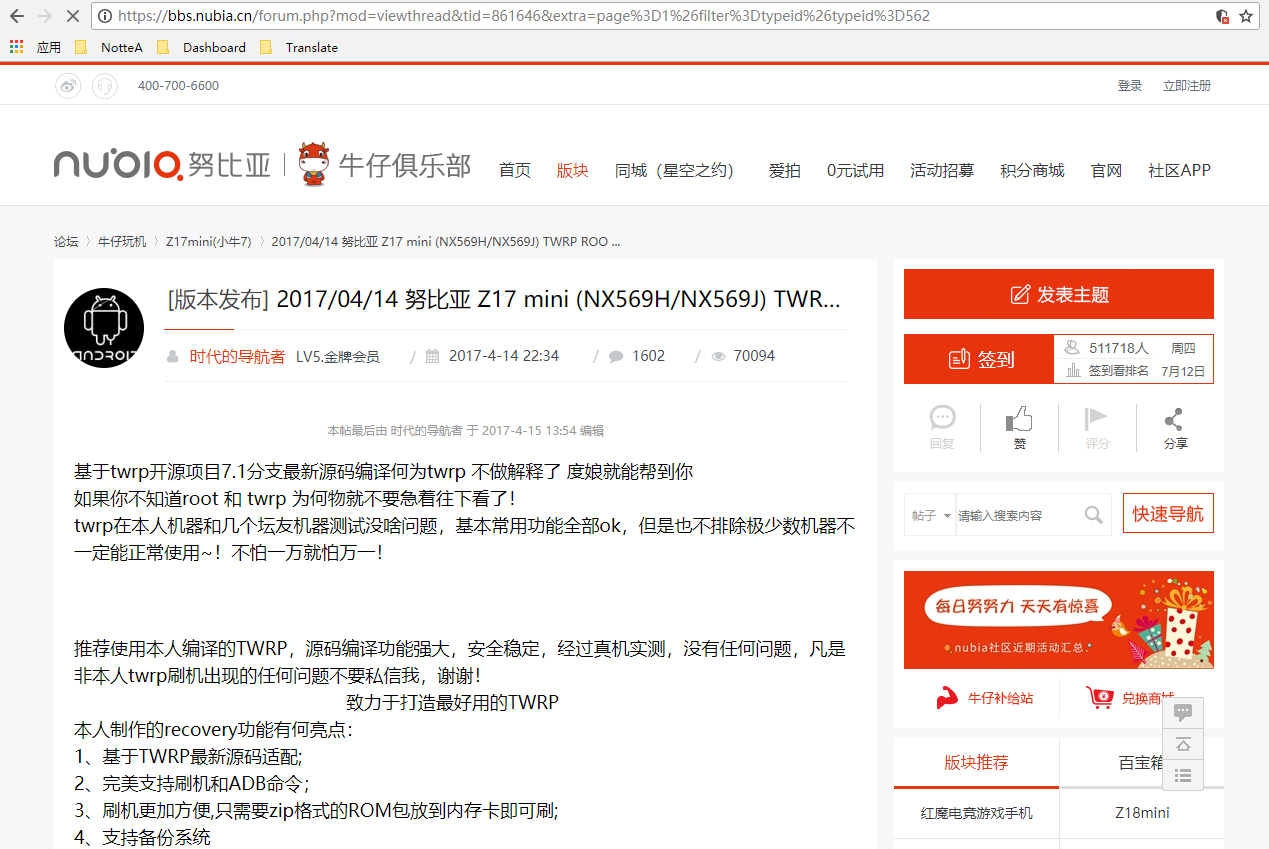

Extracting the Archive

Double-click 努比亚 Z17 Mini 刷机工具箱.
Starting the Flash
After completing the previous step, wait a moment until the following content appears:

Press any key to continue.

Critical steps!!!
- Power off the phone and wait until it has completely shut down.
- Press and hold the power button + volume-down button to enter BOOT (after entering, press the volume-down button once more, otherwise it will restart after 10 seconds).
- Connect the phone to the computer with a data cable.
- Enter
3in刷入工具and press Enter.

- Enter
1and press Enter.

- Press any key (or press Enter directly).
If the following content appears, it means that the Nubia phone driver has not been installed or the bootloader has not been unlocked:

Driver download link: Nubia phone driver download.
After installing the driver, perform the above steps again.
If the following content appears, TWRP has been flashed successfully:

Continue pressing the Enter key to reboot into REC:

Upgrading TWRP
Flashing a system above Android 8.0 requires a higher version of TWRP, so download TWRP 3.2.1.
- Enter REC (press and hold the power button + volume-up button).
- Tap the first “Install” button in the upper-left corner.
- Find the TWRP 3.2.1 downloaded earlier:

- Flash it directly.
- After flashing, clear the cache and reboot into REC.
Flashing Lineage OS 15.1
Downloading the Flashing Package
All of the following steps require a VPN:
- Open the XDA forum.
- Download
lineage-15.1-20180611-UNOFFICIAL-nx569j.zip.

Removing the Model Verification
The downloaded flashing package is compatible with the lower-spec Z17 Mini (NX569J). The higher-spec version (NX569H) requires the model verification to be removed:
- Extract the flashing package:

- Open the
\META-INF\com\google\android\updater-scriptfile. - Delete the content before
ui_print("Target. - Repack the ROM:

Flashing the ROM
- Transfer the flashing package to the phone:

- Disconnect the data cable.
- Enter the TWRP interface and select “Wipe”:

- Swipe to perform a factory reset (that is, a dual wipe).
- Return to the home page, tap “Install”, and select the ROM (such as
lineage.zip):

- Swipe to start flashing:

- Wait a moment, then clear Cache:

- Reboot the system:

Notes
On the initial setup screen, setting a PIN password for encryption is not recommended. A PIN encrypts the Data partition, which means that subsequent flashing requires formatting it and is relatively troublesome.