It's been a long time since I last updated my blog. Recently, there hasn't been much worth writing about either. With the long National Day holiday approaching, I decided to find something trivial to write about. Coincidentally, I thought about changing the password for my WordPress admin account today, and discovered a small flaw in WordPress (not really a vulnerability, just a minor bug): when changing the password, the system sends a password reset link to your email. Normally, there shouldn't be any problem, but after successfully receiving the email and clicking the link, I found that it displayed “Your password reset link appears to be invalid.”
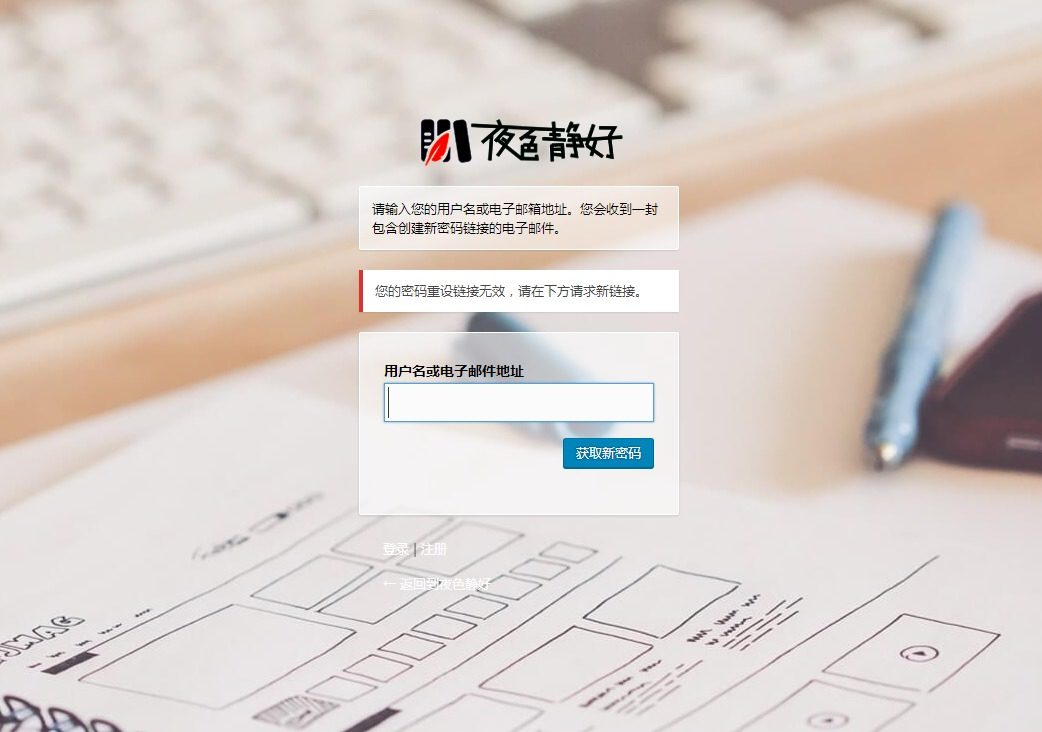
It turns out that there was an extra (>) character at the end of the address sent in the email. WordPress had originally added angle brackets at both ends for aesthetic purposes, but this backfired because the email client parsed them as part of the address. Naturally, clicking the link resulted in an invalid link. The solution is very simple; two approaches are provided below.
Approach One
Insert the following code into the functions.php file in your theme's root directory
/**
 * 修复 WordPress 找回密码 bug
 * 注:https://blog.ikxin.com/archives/80.html
 */
function reset_password_message( $message, $key ) {
    if ( strpos($_POST['user_login'], '@') ) {
        $user_data = get_user_by('email', trim($_POST['user_login']));
    } else {
        $login = trim($_POST['user_login']);
        $user_data = get_user_by('login', $login);
    }
    $user_login = $user_data->user_login;
    $msg = __('有人要求重设如下帐号的密码:'). "\r\n\r\n";
    $msg .= network_site_url() . "\r\n\r\n";
    $msg .= sprintf(__('用户名:%s'), $user_login) . "\r\n\r\n";
    $msg .= __('若这不是您本人要求的,请忽略本邮件,一切如常。') . "\r\n\r\n";
    $msg .= __('要重置您的密码,请打开下面的链接:'). "\r\n\r\n";
    $msg .= network_site_url("wp-login.php?action=rp&key=$key&login=" . rawurlencode($user_login), 'login') ;
    return $msg;
}
add_filter('retrieve_password_message', reset_password_message, null, 2);
The drawback of this method is that you need to add the code again after changing themes.
Approach Two
Another method is to modify the wp-login.php file in WordPress's root directory
Find
$message .= '<' . network_site_url("wp-login.php?action=rp&key=$key&login=" . rawurlencode($user_login), 'login') . ">\r\n";
Change it to
$message .= network_site_url("wp-login.php?action=rp&key=$key&login=" . rawurlencode($user_login), 'login') ;
In fact, this simply removes the (<) and (>\r\n), but this method will stop working after upgrading WordPress because the file will be replaced during the upgrade, requiring you to modify wp-login.php again. Therefore, using the first method is recommended.
