Brackets is a free, open-source, cross-platform front-end Web integrated development environment (IDE) for HTML/CSS/JavaScript. The project was created and is maintained by Adobe, released under the MIT License, and supports Windows, Linux, and OS X.
Brackets is characterized by its simplicity, elegance, and speed. It does not have many views or panels, nor does it include an abundance of flashy features. Its core goal is to reduce inefficient repetitive tasks during development, such as refreshing the browser, modifying element styles, and searching. Unlike general-purpose code editors such as Sublime, Brackets was specifically created for front-end Web development.
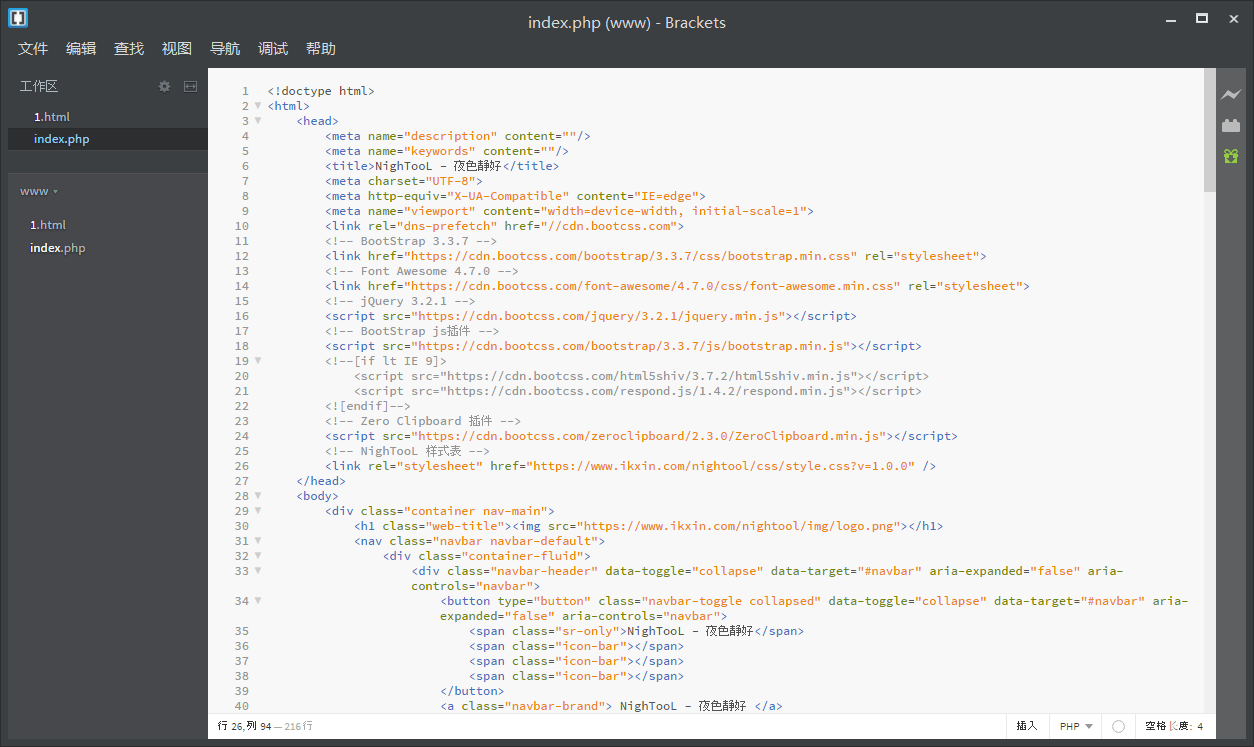
Demo Image
Keyboard Shortcuts
- Ctrl/Cmd+Shift+H toggles the file tree
- Ctrl/Cmd + E quickly previews/edits CSS styles/JavaScript functions
- Ctrl/Cmd + +/- increases or decreases the font size in the editing area
- Ctrl/Cmd + 0 resets the font size in the editing area
- Ctrl/Cmd + Alt + P opens the Live Preview feature
- Ctrl/Cmd + / line comment
- Ctrl/Cmd + Alt + / block comment
Note
When commenting CSS or HTML code, you can only use the block comment shortcut
Download
https://github.com/adobe/brackets/releases/
Overall, the Brackets project is still quite new and has enormous potential. Moreover, the demand for front-end Web development is extremely high at present, and there are not particularly many truly useful and powerful free tools. Since Brackets is open source and supports multiple platforms, it is still well worth trying and learning. Hopefully, this development tool will be helpful to you.