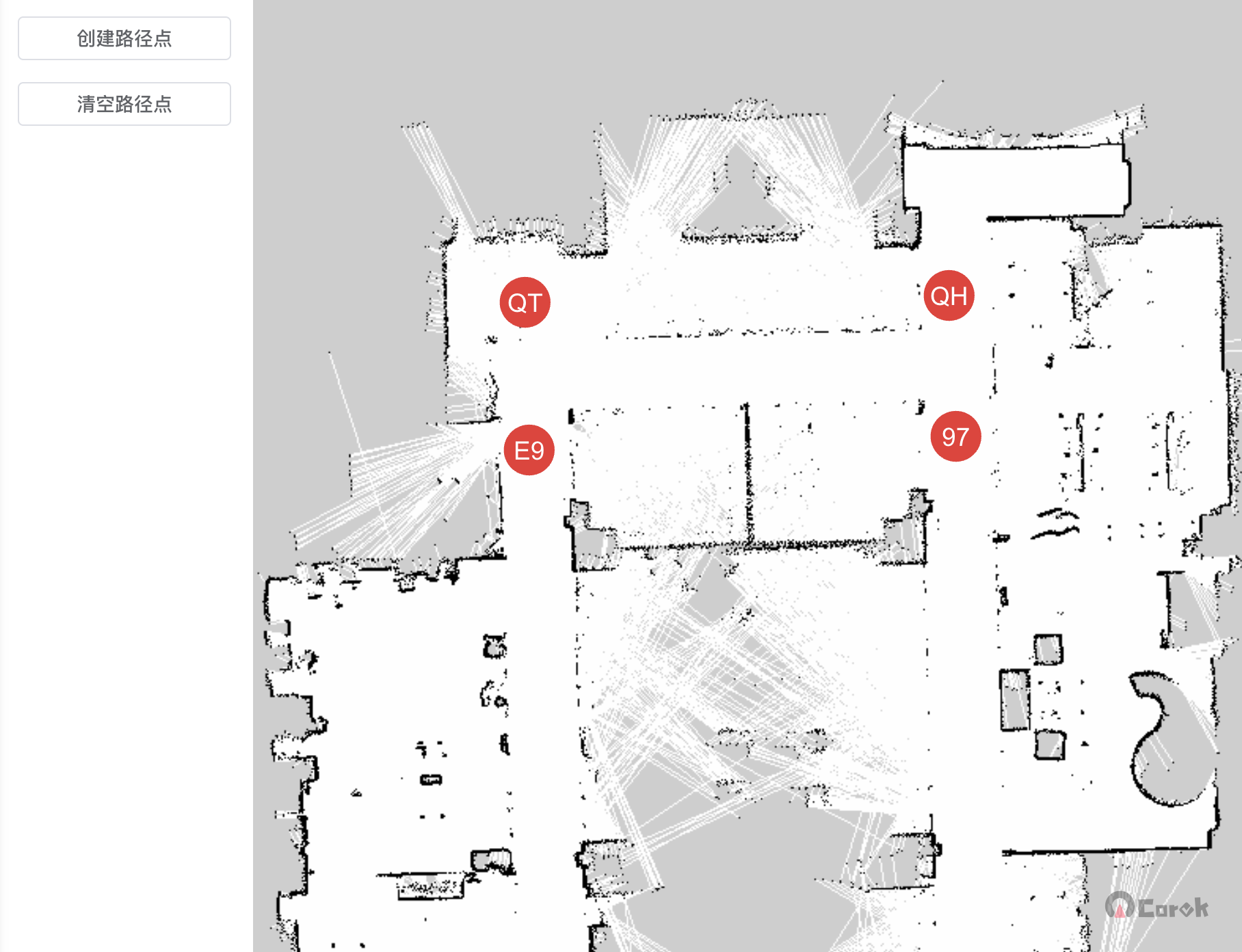
In KonvaJS, event bubbling is enabled by default, which means that when an event is triggered on a child element, it propagates upward to the parent element. Therefore, if a click event is registered on a layer and a group is created on it, clicking the group will also trigger the event.
KonvaJS does not have a stopPropagation() method to prevent event bubbling. Instead, KonvaJS uses its own event system to manage events, event propagation, and event listeners.
In KonvaJS, you can use the stopPropagation() method of the event object to prevent the event from propagating to ancestor elements. In KonvaJS, the event object is an instance of the Konva.Collection class, which is a collection of all relevant nodes when the event occurs. It can be used to access the event target node and other related nodes.
Example
The following code demonstrates how to use the KonvaJS event system to prevent the parent element's click event from being triggered:
const stage = new Konva.Stage({
  container: 'container',
  width: 500,
  height: 500,
});

const layer = new Konva.Layer();
stage.add(layer);

const group = new Konva.Group();
group.on('click', (event) => {
  // 阻止事件传播到父级元素
  event.cancelBubble = true;

  // 处理组的 click 事件
  // ...
});

layer.on('click', (event) => {
  // 在此处理父级元素的 click 事件
  // ...
});
In this example, when the group is clicked, the cancelBubble property of the event object is set to true to prevent the event from continuing to propagate to the parent element. As a result, the parent element's click event will not be triggered.
It should be noted that because KonvaJS's event system differs from the browser's event system, its usage is also slightly different. Specifically, the event object does not have a stopPropagation() method; instead, the cancelBubble property is used to achieve the same effect.