Introduction
Cockpit is an easy-to-use, integrated, easy-to-navigate, and open web-based server interface.
- System log information viewing
- System storage information viewing
- Dashboard
- System configuration and basic system operations
- Docker container monitoring
- System network monitoring
- K8s cluster management (I haven't tested it)
- Web command-line terminal
- ......
In short, it's simply powerful.
Installation
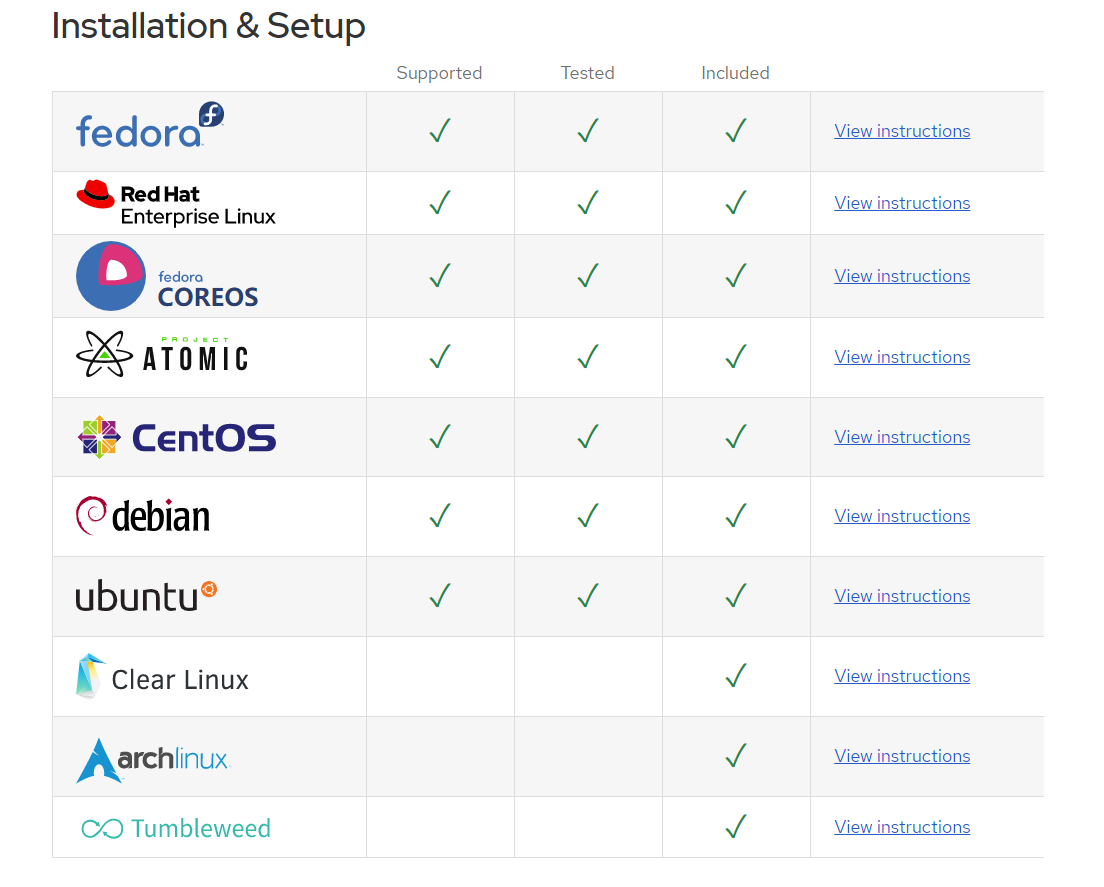
I am using CentOS 7 here. In addition, Cockpit also supports many other Linux distributions.
Screenshot from the official website:
sudo yum install -y cockpit cockpit-docker cockpit-machines cockpit-dashboard cockpit-storaged cockpit-packagekit
sudo systemctl enable --now cockpit.socket
sudo firewall-cmd --permanent --zone=public --add-service=cockpit
sudo firewall-cmd --reload
You can also install other modules to extend Cockpit's functionality (yum install -y 模块名).

You can then access port 9090 through a browser.

The username and password are those of the Linux server. Log in to enter the home page.
