Update the SQLite3 Database to the Latest Version on CentOS 7
I recently noticed that LanZou Image Hosting had been updated to version 2.0, adding many new features, including support for multiple database drivers.
With the idea that simpler is better, since my image hosting service is currently only for personal use and will not contain much data, I figured I might as well switch it to SQLite during this upgrade.
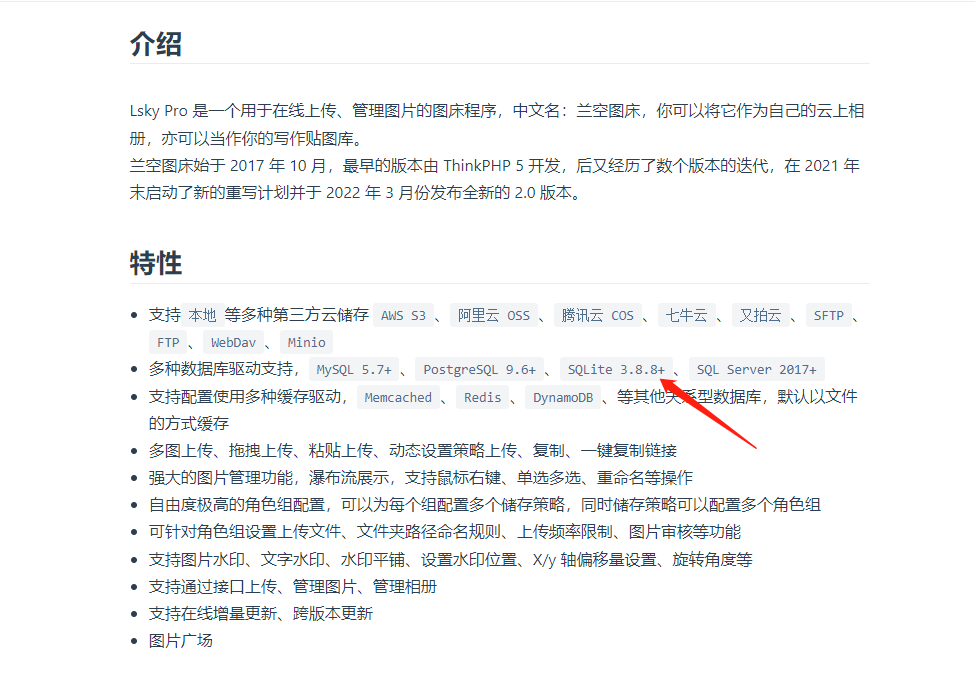
According to the requirements in the documentation, it needs SQLite 3.8.8+. However, the default SQLite version on CentOS 7 is relatively old, so it needs to be upgraded.
Upgrade
Check the SQLite Version
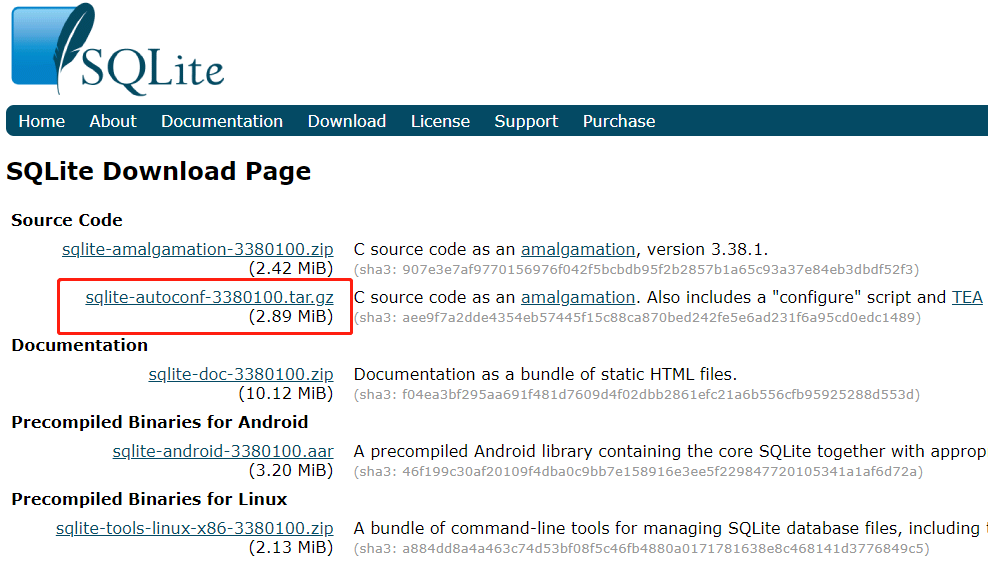
[root@localhost ~]# sqlite3 --version3.7.17 2013-05-20 00:56:22 118a3b35693b134d56ebd780123b7fd6f1497668[root@localhost ~]#As expected, it is the several-year-old version 3.7.17. Open the SQLite official website to check the latest version, and then start compiling and installing it.
https://www.sqlite.org/download.html
Compile and Install
wget https://www.sqlite.org/2022/sqlite-autoconf-3380100.tar.gztar -zxvf sqlite-autoconf-3380100.tar.gzcd sqlite-autoconf-3380100./configure --prefix=/usr/local/sqlitemake && make installReplace the Old SQLite3
mv /usr/bin/sqlite3 /usr/bin/sqlite3_oldSet Up the New SQLite3
mv /usr/local/sqlite/bin/sqlite3 /usr/bin/sqlite3Check the SQLite Version
[root@localhost ~]# sqlite3 --version3.38.1 2022-03-12 13:37:29 38c210fdd258658321c85ec9c01a072fda3ada94540e3239d29b34dc547a8cbc[root@localhost ~]#That completes the SQLite upgrade.
Comments
(0)No comments yet. Start the conversation.