I remember that when I first started working with servers, I used CentOS 6.8. Not long afterward, the 7.x version was released, and many programs gradually stopped supporting the 6.x system, so I also began using CentOS 7.1. Over the past two years, with continuous yum -y update, CentOS was also updated to version 7.7.1908.
This afternoon, I saw a CentOS 8 image in the server reinstallation panel. I was immediately intrigued, so I set up a small machine to try out the new CentOS 8 system.
Cockpit
As soon as I connected via SSH, I noticed a prompt that was different from CentOS 7:

Activate the web console with: systemctl enable --now cockpit.socket
After searching for some relevant information, I learned that it was a Web management program called Cockpit.
What Is Cockpit
Official website: https://cockpit-project.org/.
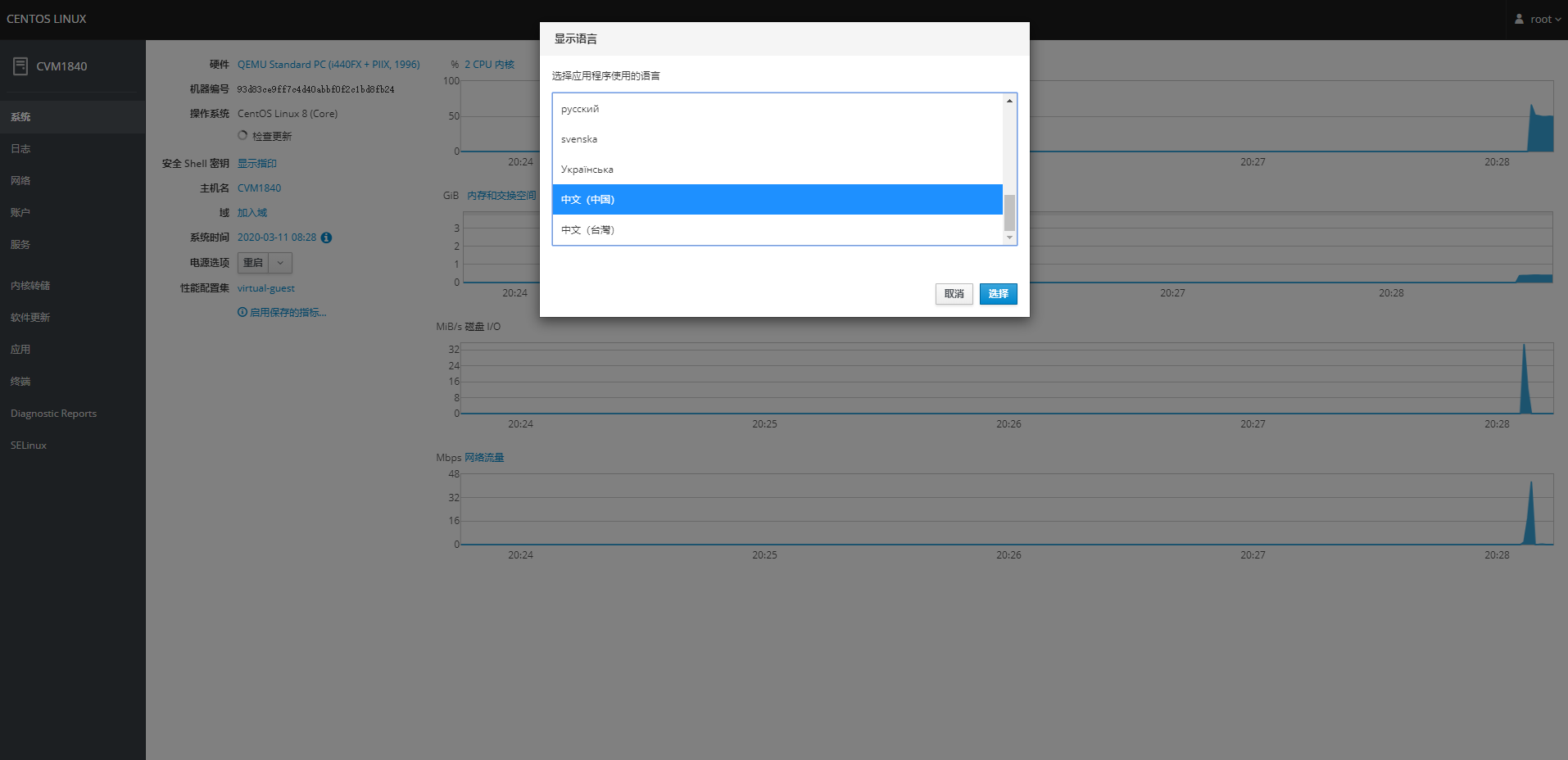
Cockpit is a Web-based system management tool that allows you to manage the system with just a few mouse clicks. In fact, that is exactly how it works. After starting the Cockpit service, you can complete many basic system operations simply by clicking around, such as viewing system information, starting/stopping services, adding or modifying accounts, updating the system, using a Web terminal, and viewing network traffic.
Installing Cockpit
Some distributions already have it installed by default. If it is not installed by default on your system, you can use yum to install Cockpit:
yum install cockpit
Enabling Cockpit
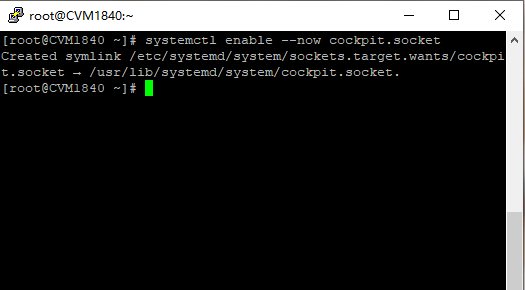
Simply copy the prompted command, paste it, and press Enter to enable Cockpit to start automatically at boot:
systemctl enable --now cockpit.socket
Viewing Cockpit
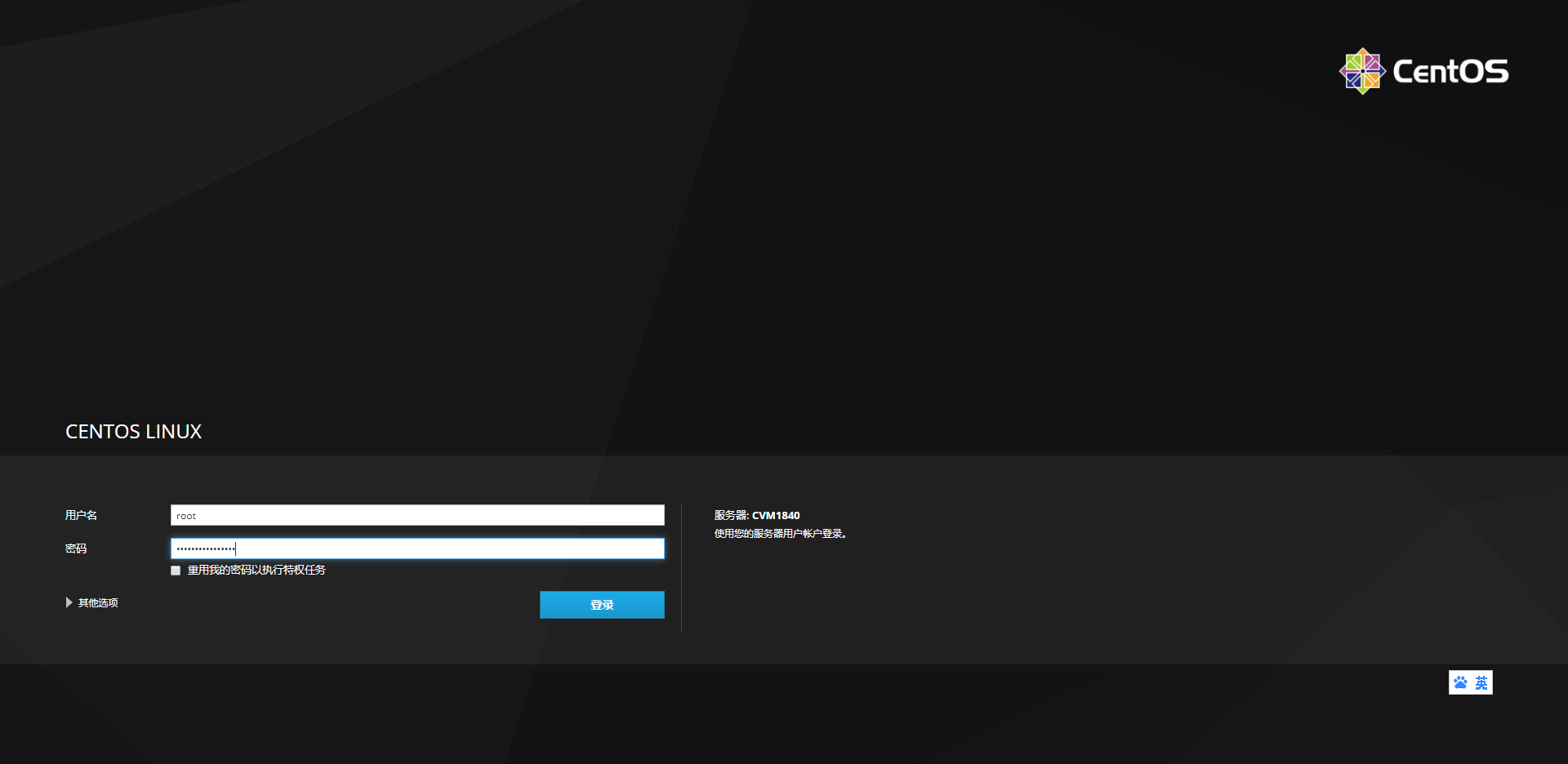
After the installation is successful, enter https://ip:9090 in your browser to access it, and log in using your system username and password.
System Language
When I ran the locale -a command, I found that Chinese was not included among the system languages, so I am documenting here how to change the system language to Chinese on CentOS 8.
Installing the Chinese Language Pack
Use yum to install the Chinese language pack:
yum install -y langpacks-zh_CN
Changing the Language to Chinese and Restarting
Restart after changing the language to Chinese:
echo LANG="zh_CN.UTF-8" > /etc/locale.conf
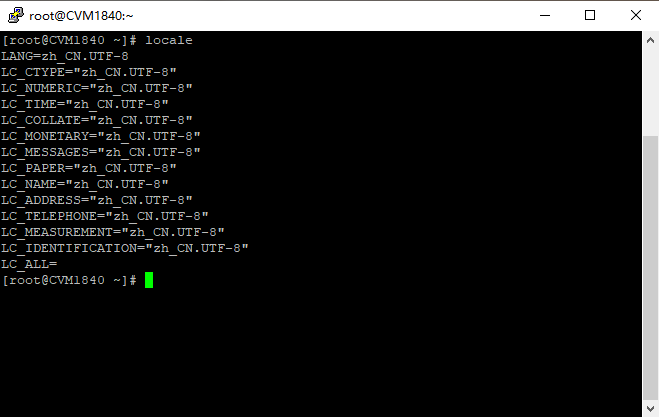
Then locale will show that the system language has been changed to Chinese.
References