Because the coronavirus was wreaking havoc, I stayed at home for several days to respond to the country's call and avoid causing trouble for everyone else. It was genuinely boring. This year's Spring Festival felt completely flavorless too: I couldn't go around wishing people a happy new year, couldn't enjoy the traditional holiday feasts, and couldn't even sit down and chat with relatives I hadn't seen in ages.
All kinds of boring games have gradually started appearing in my friends' social feeds, showing just how far boredom can drive people crazy. I was bored out of my mind too, so I looked at the 3C devices I had on hand and thought I'd write something, which would also help pass the time.
The first thing I wanted to write about was the Xiaomi Notebook Pro that has been keeping me company these past few days. I bought it during last year's 618 promotion and had planned to write an unboxing review at the time, but other things got in the way, so I never did. Now I have plenty of time, so let's take a brief look at what this laptop can do.
Unboxing Photos

What arrived was a large Xiaomi box. SF Express had protected it very well, and there were no dents or signs of damage.


After opening the box, I found two pieces of foam supporting the laptop box. They were one centimeter thick, enough to cushion some minor impacts. Xiaomi did a great job protecting the laptop.

The front of the box has Xiaomi's consistently minimalist white style: it doesn't even have a word on it, just a photo of the laptop slapped directly onto the front.

The back of the box is also very simple. There is only a label in the lower-right corner containing information about the Xiaomi Pro.

The configuration I bought was an 8th-generation i5 8250U, MX250, 8G DDR4, and 256G SSD. It was manufactured by an OEM factory in Shapingba District, Chongqing. The production date was April 2019, and I bought it in June 2019, so it probably wasn't old warehouse stock.

After opening the box, the Xiaomi Notebook Pro was quietly lying inside. There was a small semicircular notch at the bottom of the image that made it easy to lift the laptop out. But when I picked it up, I realized I was wrong: this laptop was really heavy, nowhere near the weight a thin-and-light laptop should have. I'll talk about that later.

After taking out the laptop, it was time for the manual, which was held in place by a white card.

Once the manual was removed, all that was left was the power adapter and a dual-Type-C data cable. They were both all-white, which looked quite nice, but also made them easy to get dirty.
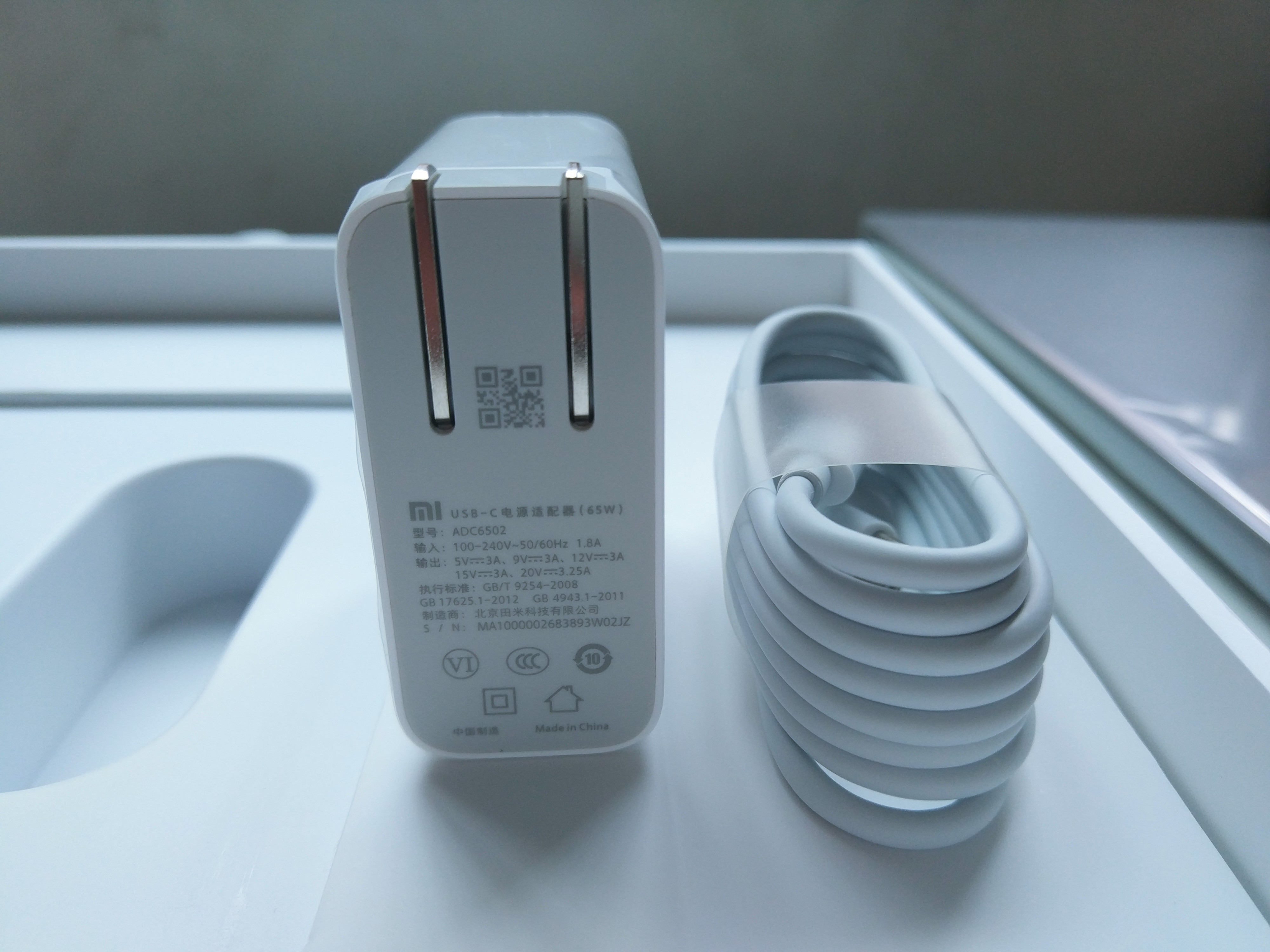
Let's first take a look at the power adapter. It supports up to 65w fast charging, and in actual testing it took about two hours to fully charge the Xiaomi Notebook Pro. It is also compatible with the 18w QC 3.0 fast-charging protocol, so you could take just this one charger when going out and use it to charge both your laptop and phone.
However, that was only true in the past. Most phone manufacturers now have their own fast-charging protocols, so this adapter can no longer provide fast charging for them.
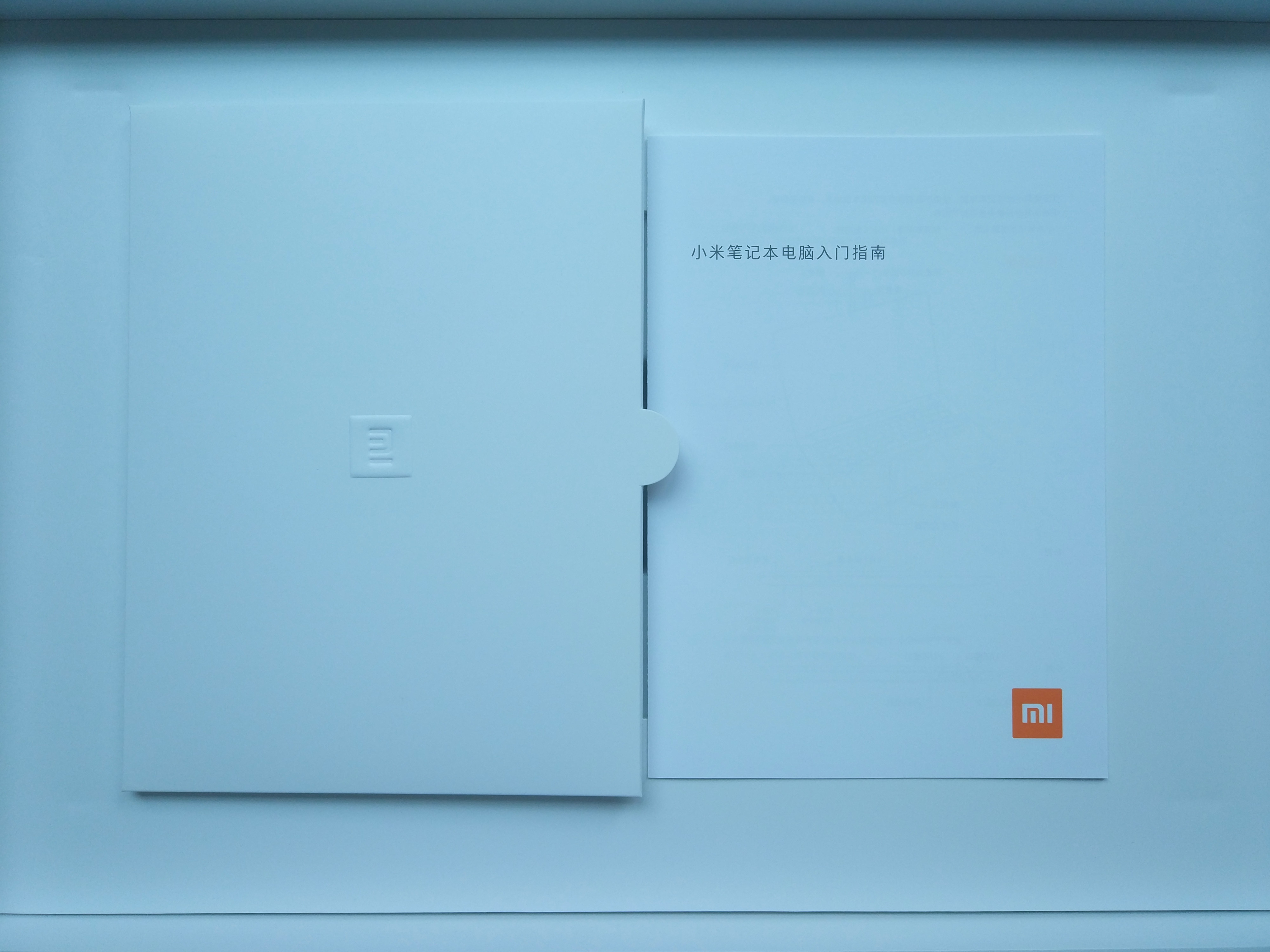
The Xiaomi Notebook Computer Getting Started Guide. There really isn't much content inside.


The Xiaomi Notebook Pro wearing its outer cover


The Xiaomi Notebook Pro without its outer cover. As you can see, there is nothing on the A-side of the Xiaomi Notebook Pro—just an aluminum plate. I don't know whether Xiaomi was not confident enough in its brand to print a logo, or whether it wanted to preserve the clean design.
But for me, this is quite good. Keeping things simple makes it more understated, and the matte texture feels very comfortable to the touch, making it hard to put down.

When I opened the laptop, a piece of spunbonded fabric was protecting the screen. It had simply fallen down to protect the keyboard instead—how shy.
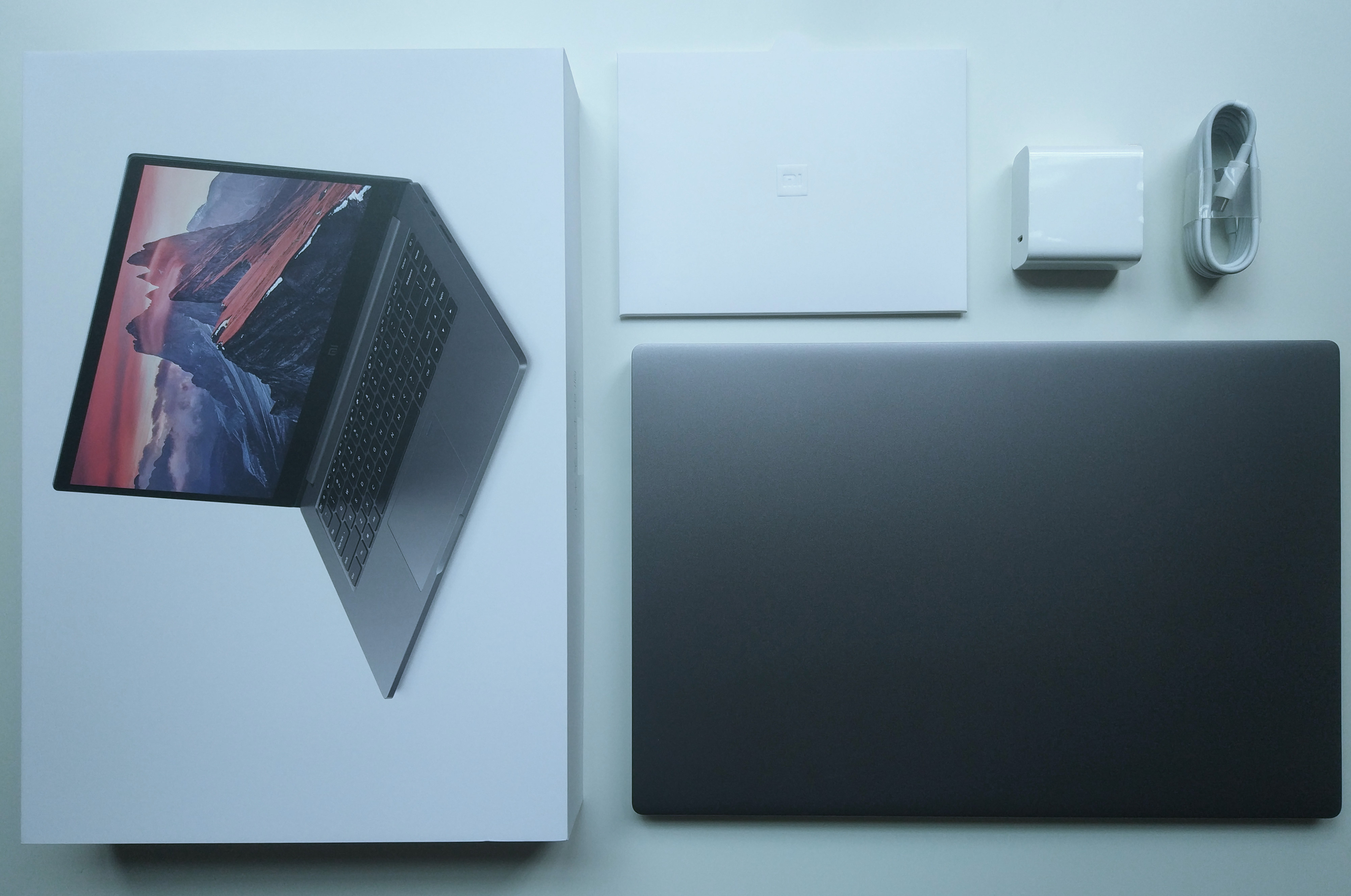
The Xiaomi Notebook Pro family photo. There are only these four items in the box: the laptop, manual, adapter, and data cable.
First Boot
Because JD.com happened to be out of stock when I bought it, I chose a Taobao authorized reseller. To be honest, I was a little worried about getting a counterfeit or refurbished product, but after testing the laptop when it arrived, I felt much more reassured. There are two specific ways to tell whether it is a brand-new, unopened product.
The first is to turn it on. The Xiaomi Notebook Pro has charge in its battery when it leaves the factory, but when booting it for the first time, it must be connected to power.


Generally speaking, if it cannot boot for the first time without being connected to power, you can be sure it is unopened; otherwise, you probably bought a refurbished unit.
The second way to identify it is a little strange: check whether the gaps between the two sides of the laptop are large. If the gaps are clearly visible, it is probably fine, because I found that all the Xiaomi Notebook Pros bought by other users had these gaps. All I can say is that Xiaomi's quality control still leaves something to be desired.
If you find that the gaps on both sides of your Xiaomi Notebook Pro are also large, don't worry. At least you didn't buy a counterfeit.
Brief Review
It has been half a year since I bought this laptop, so I can briefly talk about my thoughts on the Xiaomi Notebook Pro.
First of all, this is a very attractive pseudo-all-purpose laptop. Why call it a pseudo-all-purpose laptop? Because it can do everything, but it doesn't excel at anything. This configuration determines that the laptop's performance will not be particularly good. It is definitely fine for everyday office work and can handle Office, but as for games, LOL is playable, while anything more demanding becomes very difficult.
I specifically ordered PlayerUnknown's Battlegrounds during the Black Friday period to try it out. I found that even at the lowest image quality and lowest effects, it could reach only 40 frames at most, with an average frame rate below 30. It was basically unplayable, and the laptop's C-side also became extremely hot to the touch.
But this is only to be expected. If you want both a thin-and-light design and performance, I suggest you take a look at the Ice Blade series to your left on the way out. As a first-year college student, the only things I need a laptop for in daily life are Office and Photoshop, and this configuration is just enough for me. As for entertainment, I just play mobile games occasionally—my Snapdragon 855 is enough for that.
It is also worth mentioning that the Xiaomi Notebook Pro has pretty good battery life. Under moderate use, it can last 4–5 hours on a full charge, which is enough for me to bring it to the study room and use it all morning.
Let's talk about some of the Xiaomi Notebook Pro's advantages. It has a rich selection of expansion ports: dual USB 3.0, HDMI, a 3.5mm audio port, a 3-in-1 SD card reader (supporting SD/SDHC/SDXC—), and dual USB-C ports. One thing needs to be pointed out here: only one of the two C ports is full-featured (pd charging, 4k output, and data transfer), while the other C port can only be used for file transfers. After taking it apart, I also found an additional m.2 slot on the motherboard, meaning that another hard drive can be installed.
Next, I have to talk about the Xiaomi Notebook Pro's shortcomings. Personally, I think the most prominent one is its weight: nearly 2kg, about as heavy as a brick. This isn't much of a problem for martial artists, but for many women it may well be a deal-breaker. Then there is the quality-control issue. The gaps mentioned above are only one example. In fact, after receiving this laptop, I also found that the AB side and CD side were not completely aligned, with a slight misalignment.
Another shortcoming is that its built-in nvme SSD is a Samsung pm981, although this can only be considered a shortcoming for me personally.
As everyone knows, Hackintosh cannot be installed on the pm981. The Xiaomi Notebook Pro comes with a pm981 by default, which is very unfriendly to Hackintosh users. Fortunately, there is a spare drive bay, so you can purchase an additional nvme SSD that supports Hackintosh.
Speaking of Hackintosh, I also wrote a tutorial these past few days on installing Hackintosh on the Xiaomi Notebook Pro, since I had nothing else to do. I'll post it once I've polished it up a little more.